


What are you searching for?

Search Result


To connect your Solarity account to mobile payment apps such as Venmo, Cash App, Paypal and Google Pay, follow these steps:
1. Download your payment app of choice from your app store.
2. Open the app and create an account.
3. Verify your phone number and/or email address.
4. Link your bank account or card information to the payment app.
Once your Solarity bank account or card is linked to your payment app of choice, you can use the app to send and receive money directly from your account to other app users.

Home Loans
Find answers to common questions our members ask about the home loan process.
View all FAQs


Auto Loans
Get answers to your questions about consumer loans including vehicle, RV, marine and ATV loans.
View all FAQs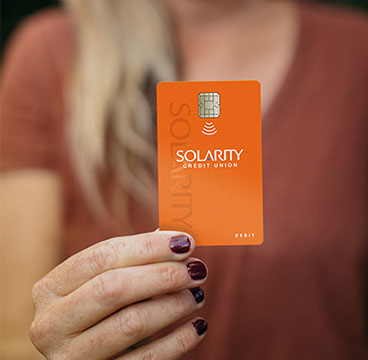
Debit and Credit Cards
Questions about your credit and debit cards? Find answers to common questions here.
View all FAQs
Business Banking
Common questions about business accounts, loans and services, including commercial real estate.
View all FAQs
Still have questions?
If you aren't able to find the answers you need, reach out to us. We are happy to help!