





What are you searching for?

Search Result


If you know your username and password and would like to change one or both, log in to online banking or the mobile app.
Click the “Settings” option in the main navigation (on the mobile app, first click "Menu" at the bottom of your screen to reveal this option). Click "Profile & Security."
From here you can update your login credentials. If you don’t remember your username or password and need to reset it, click “Forgot username/password?” from the login screen.
From there, follow the prompts to reset your username or password.
If you need any assistance along the way, give us a call at 800.347.9222.

Home Loans
Find answers to common questions our members ask about the home loan process.
View all FAQs


Auto Loans
Get answers to your questions about consumer loans including vehicle, RV, marine and ATV loans.
View all FAQs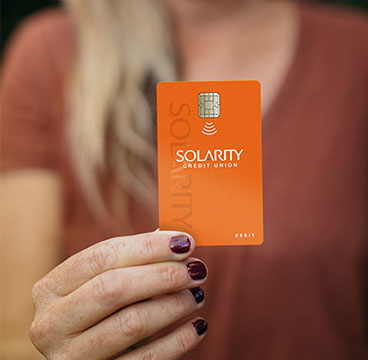
Debit and Credit Cards
Questions about your credit and debit cards? Find answers to common questions here.
View all FAQs
Business Banking
Common questions about business accounts, loans and services, including commercial real estate.
View all FAQs
Still have questions?
If you aren't able to find the answers you need, reach out to us. We are happy to help!