

What are you searching for?

Search icon image

Search Result

No record found

Follow the steps below to deposit your check using mobile deposit:

  1. After logging in to the mobile app, click the "Deposit" option at the bottom of your screen.
  2. Click the "Take photos" button at the top of the next screen.
  3. Using your phone or tablet's camera, snap a picture of the front and back of your check and follow the on-screen instructions to upload the photos.
  4. Use the "To" drop-down to select the account where you want to deposit the money.
  5. In the "Amount" box, enter the amount of the check you are depositing.
  6. Click "Continue" to complete the mobile deposit

Download our app in the App Store® or Google Play™ store.


Washington Home Loans FAQ

Home Loans

Find answers to common questions our members ask about the home loan process.

View all FAQs


article01

Online Banking

Questions about online or mobile banking? Look for answers here!

View all FAQs
poppi1H2A8782

Personal Banking

For in-person or over-the-phone banking questions.

View all FAQs
RidingOffIntoSunset

Auto Loans

Get answers to your questions about consumer loans including vehicle, RV, marine and ATV loans.

View all FAQs
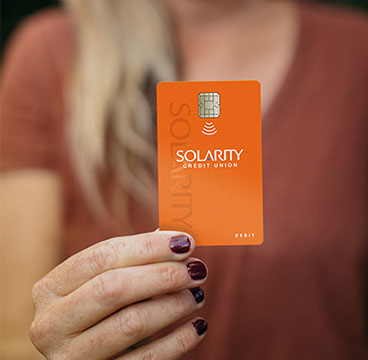
tap-to-pay-card-closeup

Debit and Credit Cards

Questions about your credit and debit cards? Find answers to common questions here.

View all FAQs

investment-real-estate

Business Banking

Common questions about business accounts, loans and services, including commercial real estate.

View all FAQs

Washington Home Loans Personal Banking Auto Loans FAQ

Still have questions?

If you aren't able to find the answers you need, reach out to us. We are happy to help!