


What are you searching for?

Search Result


Follow these steps to view your eStatements online banking:
- In online banking, click the "Accounts" dropdown and select "View eStatements" to display the page. On the mobile app, click the "Menu" option at the bottom of your screen and select "View eStatements."
- From there, click the "Statement Date" link that you want to view.
- View the selected statement as a PDF file.

Home Loans
Find answers to common questions our members ask about the home loan process.
View all FAQs


Auto Loans
Get answers to your questions about consumer loans including vehicle, RV, marine and ATV loans.
View all FAQs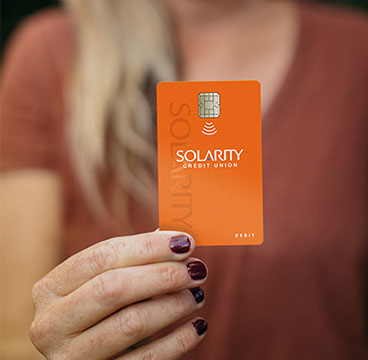
Debit and Credit Cards
Questions about your credit and debit cards? Find answers to common questions here.
View all FAQs
Business Banking
Common questions about business accounts, loans and services, including commercial real estate.
View all FAQs
Still have questions?
If you aren't able to find the answers you need, reach out to us. We are happy to help!