


What are you searching for?

Search Result


To add your Solarity Visa® to your mobile wallet, you will have the option to receive a one-time passcode via text or email. You can also select "Call Bank," which will route you to a Visa rep who will then assist you to verify your information and get your card activated in your wallet. For more information, visit our guide to setting up digital wallets.

Home Loans
Find answers to common questions our members ask about the home loan process.
View all FAQs


Auto Loans
Get answers to your questions about consumer loans including vehicle, RV, marine and ATV loans.
View all FAQs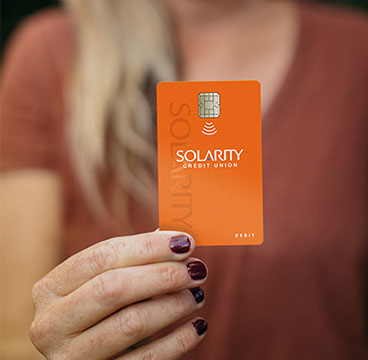
Debit and Credit Cards
Questions about your credit and debit cards? Find answers to common questions here.
View all FAQs
Business Banking
Common questions about business accounts, loans and services, including commercial real estate.
View all FAQs
Still have questions?
If you aren't able to find the answers you need, reach out to us. We are happy to help!